

Secure, Intelligent Wireless Technology for a More Connected World



Trusted IoT Development Platform




Helping Developers Bring Innovative Solutions to Market that Transform Industries, Grow Economies, and Improve Lives
Our integrated hardware and software platform, intuitive development tools, unmatched ecosystem support, and robust support make us the ideal long-term partner in building advanced industrial, commercial, and home and life applications.

Smart Home
Industrial IoT
Smart Cities
Smart Retail
Connected Health
Easily Connect with the Largest Ecosystems to Grow Your IoT Business

Amazon Sidewalk

Amazon Alexa

Google Home

Apple HomeKit

SmartThings

Xfinity Home
Customer Stories
We simplify the complex wireless development process and here are some of the customer stories we’ve had the opportunity to be part of during nearly three decades in business.

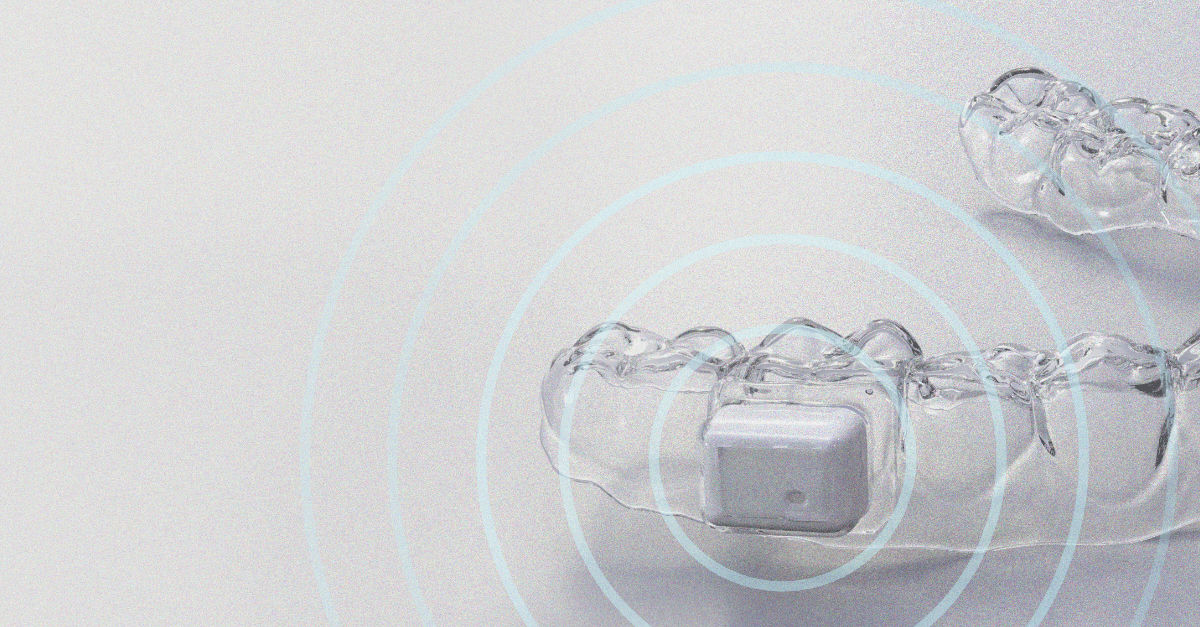
"The small size and low power consumption of the BG27, coupled with the developer services and design tools Silicon Labs offers, has helped us create the world’s first salivary diagnostic, wearable sensor. The engineers at Silicon Labs are top notch."
Noah Hill | Founder and CTO, Lura Health

Developer Tools
Silicon Labs provides a complete set of SDKs, reference designs, precompiled demos, and support resources. In addition to these development resources, we provide the latest how-to information, tutorials, and training to help you build the skills needed to accelerate development and get your products to market as quickly as possible.

Simplicity Studio 5
Simplicity Studio is the Integrated Development Environment (IDE) for all Silicon Labs technologies.

Software Documentation
Access a complete set of SDKs, reference designs, precompiled demos, and support resources.

Technical Library
Access the latest documentation, data sheets, and application notes for fast, up-to-date answers.
Together, we're building a smarter, more connected world.
Innovation doesn't start with companies; it starts with people. We put people first in everything we do, whether it’s employees we work with every day, our customers developing new devices, or the people in communities where we operate.
Careers
We recruit the best and brightest. If you're interested in taking the next step in your career, let us know.
Management Team
Get to know Silicon Labs leadership and how they're driving the company - and our community - forward.
Community
Engage with our engineers and developers from around the world and check out our knowledge base articles.
Content and Training
Wireless development isn't easy, which is why we provide a full range of resources to assist along the development journey. Explore our collection of whitepapers, blogs, case studies, and other collateral to see how our customers are improving the world through connectivity.


Silicon Labs Blog

Case Studies

Silicon Labs Blog
Silicon Labs Blog

Silicon Labs Blog