Silicon Labs
  • ⟵ Back
    Products
    On-Demand
    Experience every keynote, fireside chat, and technical IoT training session from this year’s premier IoT conference
    WirelessWireless
    Amazon Sidewalk
    Bluetooth
    LPWAN
    Matter
    Multiprotocol
    Proprietary
    Thread
    Wi-Fi
    Wi-SUN
    Z-Wave
    Zigbee
    Non-WirelessNon-Wireless
    MCUs
    Power Management
    Sensors
    USB Bridges
    IoT TechnologiesIoT Technologies
    Channel Sounding
    Energy Harvesting
    Machine Learning
    Security
    ServicesServices
    Custom Part Manufacturing
    Developer Services
    SDK Extended Maintenance Service
  • ⟵ Back
    Applications
    Smart HomeSmart Home
    Appliances
    Connected Outdoor
    Entertainment Devices
    IoT Gateways
    LED Lighting
    Security Cameras
    Sensors
    Smart Locks
    Switches
    Industrial IoTIndustrial IoT
    Access Control
    Asset Tracking
    Battery-Powered Tools
    Circuit Breakers
    Commercial Lighting
    Electric Submetering
    Emergency Lighting
    Factory Automation
    Human Machine Interface
    Industrial Wearables
    Predictive Maintenance
    Process Automation
    Smart HVAC
    Smart CitiesSmart Cities
    Battery Storage
    EV Charging Stations
    Smart Agriculture
    Smart Buildings
    Smart Metering
    Smart Solar PV System
    Street Lighting
    Smart RetailSmart Retail
    Commercial Lighting
    Direction Finding
    Electronic Shelf Labels
    Loss Prevention
    Wi-Fi Access Points
    Connected HealthConnected Health
    Portable Medical Devices
    Smart Hospitals
    Smart Wearable Devices
  • ⟵ Back
    Software & Tools
    Simplicity Studio 6
    Fast track IoT development
    Software & ToolsSoftware & Tools
    Simplicity AI SDK
    Software Development Kits (SDKs)
    SDK Release Notes
    Software Reference Documentation
    Software Development Tools
    Hardware Development Tools
    Hardware Documentation
    GitHub Resources
    Developer JourneysDeveloper Journeys
    AI/ML
    Amazon Sidewalk
    Bluetooth
    Bluetooth Mesh
    Google Home
    Matter
    Wi-Fi
    ServicesServices
    Custom Part Manufacturing
    Developer Services
    SDK Extended Maintenance Service
  • ⟵ Back
    Resources
    DocumentationDocumentation
    Blog
    Case Studies
    Software Documentation
    Technical Library
    Whitepapers
    TrainingTraining
    Works With On-Demand 2025
    Tech Talks 2025 On-Demand
    Webinars
    Curriculum
    PartnersPartners
    Channel & Distribution
    Ecosystem Partners
    Partner Network
    ServicesServices
    Custom Part Manufacturing
    Developer Services
    SDK Extended Maintenance Service
    SupportSupport
    Community
    Submit a Ticket
    Quality and Packaging
    How to Buy
    Report a Security Issue
    Contact Us
  • ⟵ Back
    Company
    About our CompanyAbout our Company
    Community Commitment
    Inclusion at Silicon Labs
    Management Team
    SustainabilitySustainability
    Environmental, Social & Governance
    Quality
    Supply Chain Responsibility
    News & EventsNews & Events
    Blog
    News Room
    Events
    Investor RelationsInvestor Relations
    Annual Report & Proxies
    Board of Directors
    Corporate Governance
    Quarterly Results
    SEC Filings
    CareersCareers
    Hyderabad Office
    Other Global Offices
    Contact Us
English
  • English
  • 简体中文
  • 日本語
  • Français
Ask AI
AskAI
Ask AI
//
Software and Tools // Micrium OS

Micriμm OS

The Micrium brand is one that is well known to many embedded software developers. RTOS components from Micrium have been in use since days when the IoT was little more than a vague concept. Today, though, Micrium OS offers developers a reliable, professional-grade software platform for a broad spectrum of IoT projects.

  1. Overview
  2. Getting Started
  3. Tech Docs
  4. Resources
  5. Community & Support
  1. Overview

Micrium OS Introduction

At the heart of any embedded OS is a kernel, which provides vital task scheduling and multi-tasking services to ensure that the timing requirements of your application code can be met, even as you regularly update and expand that code with new features.  Micrium OS is more than a kernel, though, providing a number of additional modules to help you meet your project’s needs.  Here is a summary of the Micrium OS components:

Component   Description
Real-Time Kernel   A highly reliable foundation for your multi-task application code.
File System   A flexible implementation of the FAT file system with support for multiple types of storage device
USB Device   A full-featured stack for implementing the device side of the USB protocol, including class support for CDC, HID, and MSC, as well as a framework for vendor-defined classes.
USB Host   An embedded USB host stack with support for the MSC, HID, CDC, USB2Ser, and AOAP classes.
Network   A TCP/IP stack with support for IPv4 and IPv6, along with a number of popular application protocols.

Licensing

Micrium OS is provided entirely free of charge for deployment on Silicon Labs EFM32 and EFR32 devices!  You can begin adding Micrium’s professional-quality components to your projects today without payment of any licensing fees. 

  1. Getting Started

Download and Install Simplicity Studio

Micrium OS is distributed exclusively through Simplicity Studio.  Within Studio, you’ll find tools for easily adding the Micrium OS kernel to new projects, along with various Micrium-based software examples.  To install Studio, choose the appropriate software package below.

Windows Installer (v1.0.1) >

Windows - MD5 | SHA256

Mac Installer (v1.0.1) >

Mac - MD5 | SHA256

Mac (ARM) Installer (v1.0.1) >

Mac (ARM) - MD5 | SHA256

Linux Installer (v1.0.1) >

Linux - MD5 | SHA256

*Simplicity Studio v6 User Guide

Hardware Support

Micrium OS can be run on both EFR32 and EFM32 devices.  Check Simplicity Studio for example projects targeting your preferred device.

Select a Software Example

Software examples allow you to quickly get Micrium OS up and running on your board.

Follow these easy steps:

1. Plug kit in with USB; Use the port labeled DBG

2. Open Simplicity Studio

3. Select Software Examples featuring Micrium OS (see screenshot)
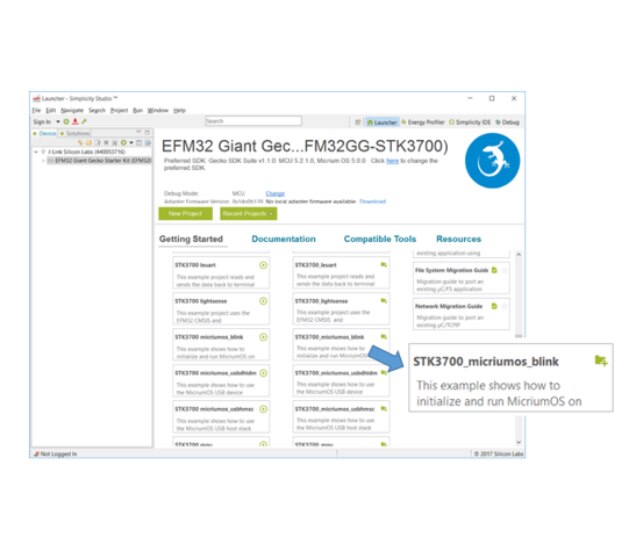
Simplicity Studio on Laptop Screen

Simplicity Studio

Development Platform

Get up and running quickly with precompiled demos, application notes and examples. Use advanced tools including energy profiling and network analysis to optimize your MCU and wireless systems.

Explore Studio
  1. Tech Docs

Micrium OS Software Manuals and API References

  1. Resources
icon image
How MPUs Can Help You Make Products Safer and More Secure
Resource Type: White Papers
icon image
Micrium OS Examples: 57 Hidden Gems You May Not Know About
Resource Type: Technical Blog
icon image
Adding Micrium OS on a Flex Gecko
Resource Type: Technical Blog
  1. Community & Support

Knowledge Base Articles

Browse our knowledge base articles for information about specific products.

Search Knowledge Base

User Forums

Browse technical questions, share your ideas, and learn more about our latest solutions.

Search the Forums

Questions? You're in the Right Place.

Silicon Labs has an active, knowledgeable user community of engineers and developers that are enthusiastic about solving problems.

Browse the Community

Getting Started with Micrium OS

  • Now playing

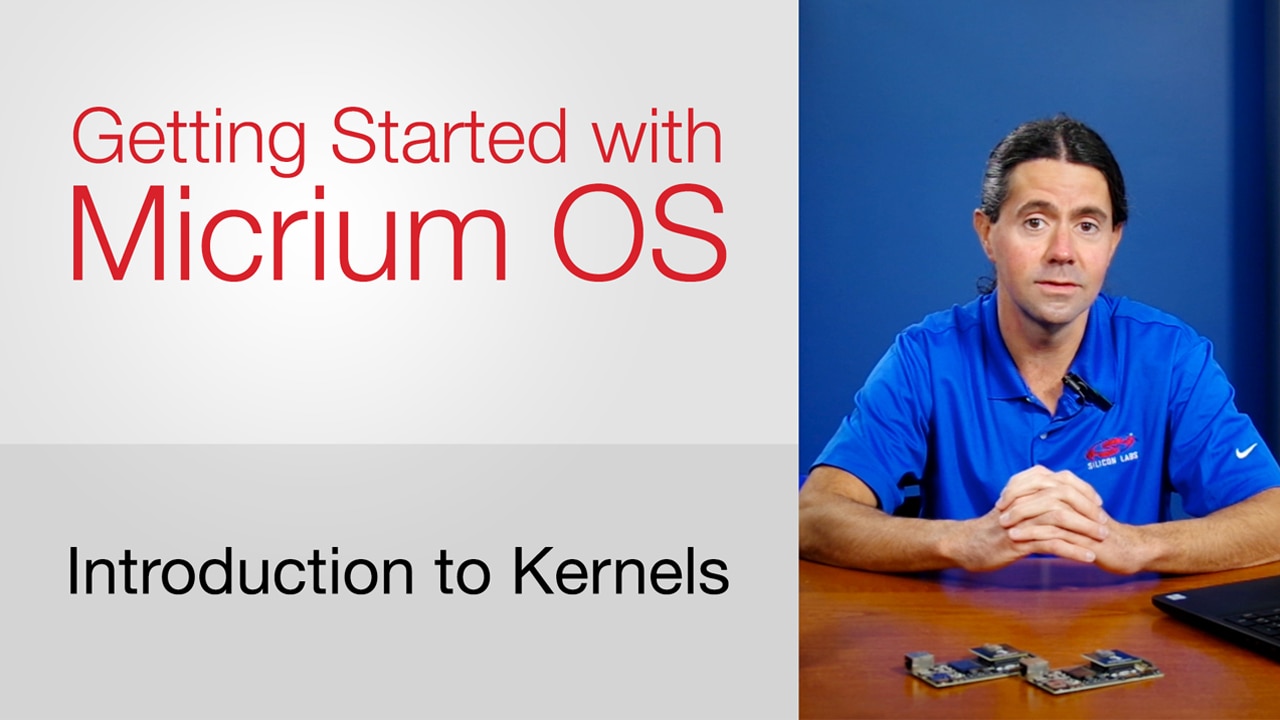
    Introduction to Kernels

  • Now playing

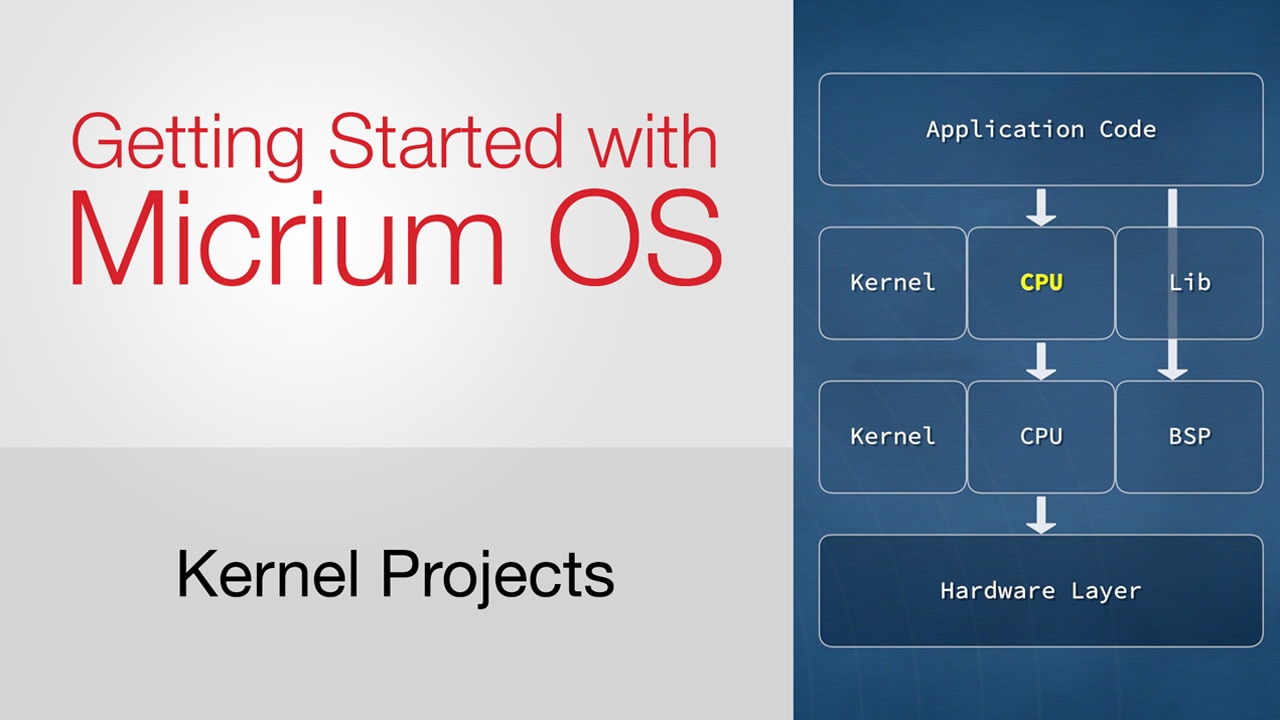
    Kernel Projects

  • Now playing

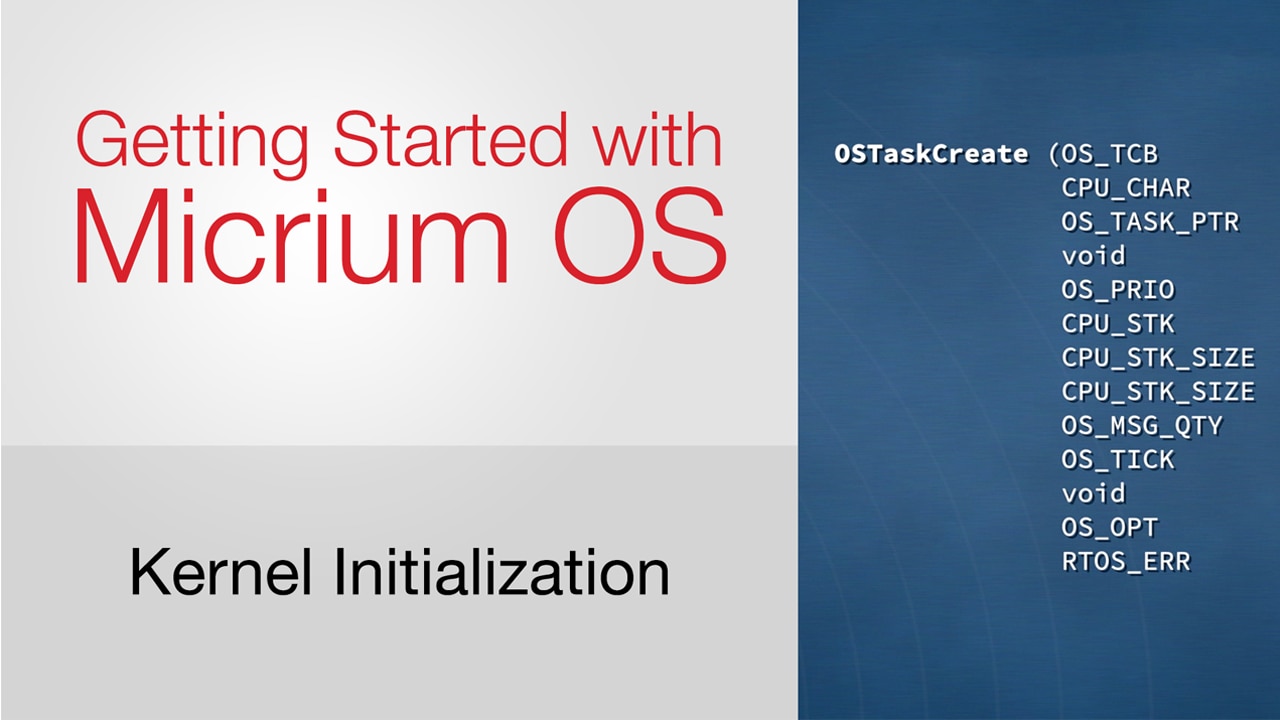
    Kernel Initialization

  • Now playing

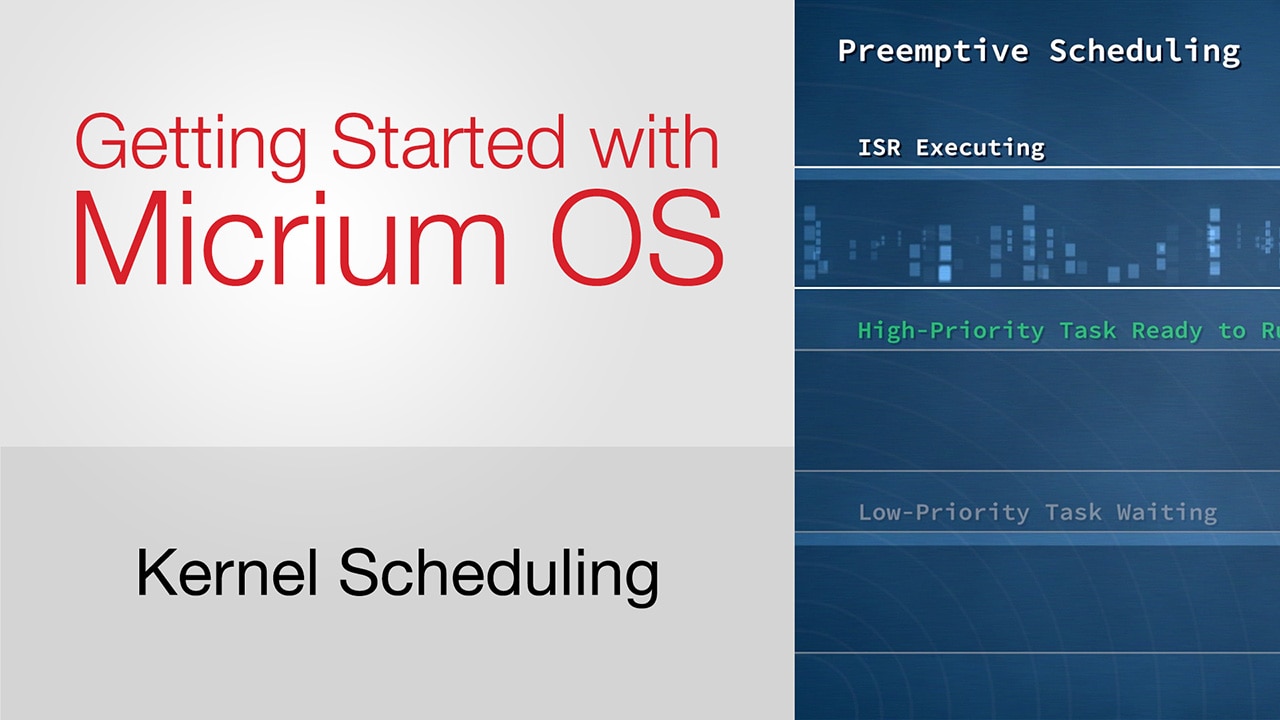
    Kernel Scheduling

  • Now playing

    Kernel Scheduling Continued

  • Now playing

    Additional Kernel Services

  • Now playing

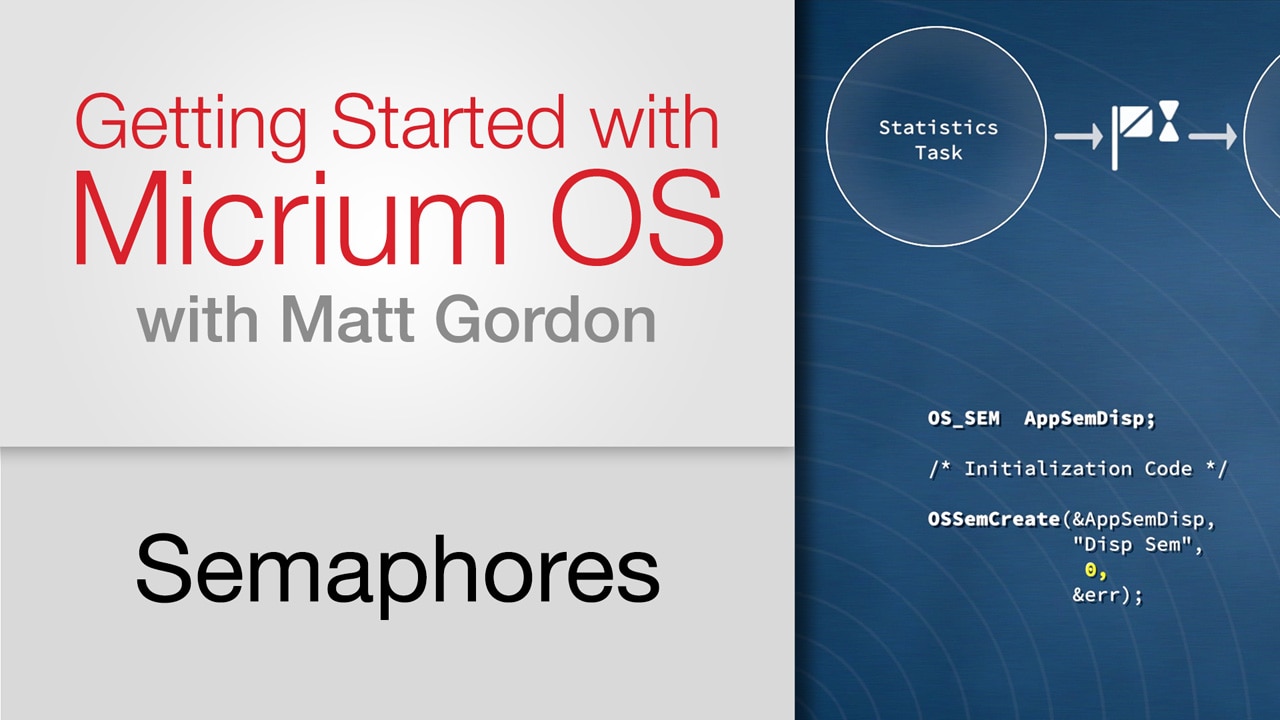
    Semaphores

  • Now playing

    Protecting Shared Resources

  • Now playing

    Mutexes

  • Now playing

    Message Queues

Silicon Labs

Stay Connected With Us

Plug into the latest on Silicon Labs products, including product releases and resources, documentation updates, PCN notification, upcoming events, and more.

  • About Us
  • Careers
  • Community
  • Contact Us
  • Corporate Responsibility
  • Investor Relations
  • Press Room
  • Privacy and Terms
  • Site Feedback

Connect With Us:

Silicon Labs
Copyright Silicon Laboratories. All rights reserved.

Your File Will Start Downloading Shortly

Thank you for downloading .

If you have any issues downloading, please contact sales support or product technical support.

Close
Loading Results
Close

Please select at least one column.